Putting web pages on a CD ROM allows project developers easily to link to other files, such as PDF documents and various applets. The PDF documents included on this CD ROM will open providing you have a suitable application (such as Adobe Acrobat Reader ) installed on your PC. Under recent editions of Internet Explorer, PDF files should open as an embedded object in your browser - as if it were another web page.
If you are using Windows XP with Service Pack 2 then please click here. For all other compatible operating systems, please continue reading this page
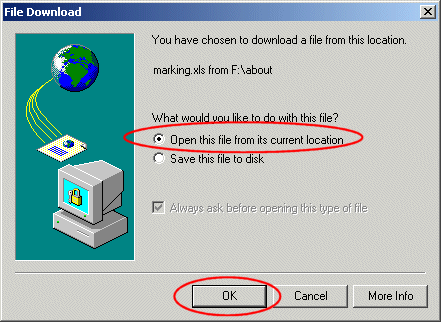
It is possible that your browser may ask whether you wish to open the file from it's current location or save the file to your local hard drive - via a dialog box similar to one of these. The examples below show an imaginary file called 'marking.xls'...
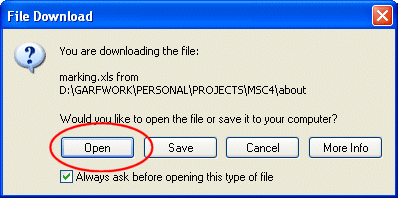
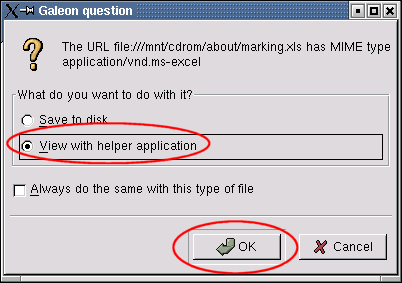
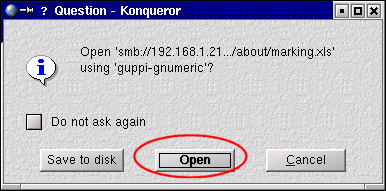
You should select 'Open' - or the equivalent - as indicated with the red ellipses shown above. Note, the file cannot be saved to the CD ROM because the CD ROM is a read-only medium.